
Racing fans are asking: Can I play Forza Horizon 5 on Mobile using NVIDIA GeForce NOW?
For a long time, Forza Horizon 5 was exclusive to Xbox Cloud Gaming. However, thanks to a massive partnership between Microsoft and NVIDIA, you can now stream the full PC version of Forza Horizon 5 directly to your Android or iPhone using the GeForce NOW servers.
In this guide, we will show you how to connect your Xbox or Steam account to GeForce NOW to play this open-world masterpiece on the go.
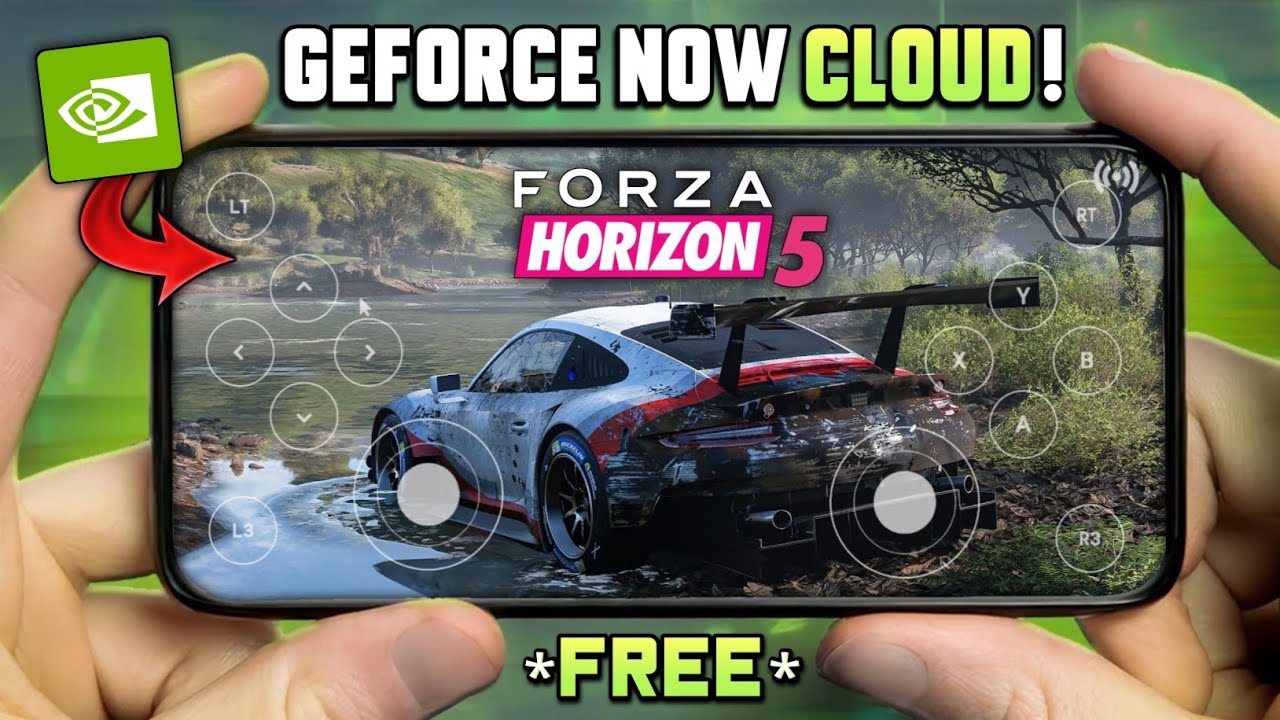
How to Play on GeForce NOW
Unlike Xbox Cloud Gaming (which requires Game Pass Ultimate), GeForce NOW allows you to stream games you own on Steam or the Microsoft Store with higher graphical fidelity (up to 4K/120FPS on Ultimate tiers).
Step-by-Step Setup:
- 1. Own the Game: You must own Forza Horizon 5 on Steam or the Microsoft Store (PC Game Pass is supported).
- 2. Link Accounts: In the GeForce NOW settings, connect your Steam or Xbox account.
- 3. Controller: Forza is a precision racing game. A Bluetooth controller (Xbox/PS5/Backbone) is highly recommended over touchscreen controls.
Installation Guide
To access the cloud rig, download the app for your specific device below:
- Android: Use the official NVIDIA GeForce NOW app from the Play Store.
- iOS (iPhone/iPad): Apple blocks cloud apps, so you must use the Safari Web Player.
Launch Links
Use the links below to access the cloud service or view the game store page.
Official NVIDIA Links | Requires Game Ownership
Disclaimer: Forza Horizon 5 is a property of Playground Games / Xbox Game Studios.